
Lafayette County VINELink Coverage
VINELink is the public doorway to Florida VINE, a free and confidential custody search with alerts. State materials describe county-jail searches and notices tied to custody events. The Lafayette County Sheriff's Office links to it too. That makes it a sound stop after any Lafayette County arrest.
One caution applies. The Lafayette County Jail publishes no page confirming its feed, delay, or full event list. Pick Florida, then hunt for the county. Nothing showing up? Call the Lafayette County Jail at (386) 294-4381. A missing result does not mean no arrest occurred.
Check a Lafayette County Arrest
Matching names is the first job. Two people can share one spelling in a small county. Bring a full name, age, and middle initials. Include the state or facility in the live search. Compare the displayed identifiers and custody location before calling any similar name a match.
- Open VINELink and choose Florida.
- Select person search, then Lafayette County or the available facility option.
- Enter the name accurately, or use a supplied offender identifier.
- Compare identity and facility details before opening a result.
- Read the custody statement and update information, then confirm uncertainty with the jail.
Custody is only one of three records. VINELink answers the custody question alone. The Lafayette County recent-arrest hub sorts out the other routes: LCSO holds booking material, and the county Clerk keeps the public docket. The VINELink search screen is where a person-specific query starts.
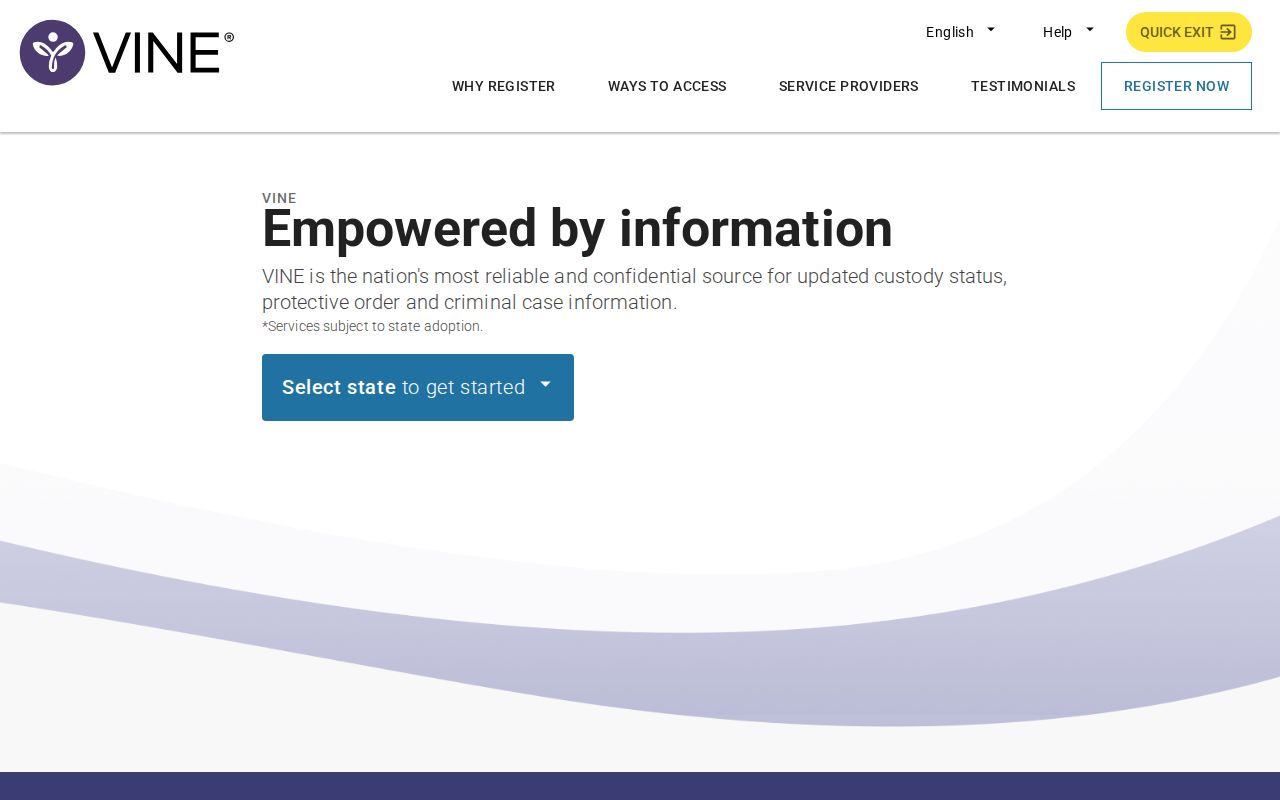
This screen is a search form. It is not a roster or booking-photo gallery, and its fields can change, so follow the current labels.
Lafayette VINELink Result Fields
A result is a snapshot of custody, not a full case file. Fields vary by agency. Florida guidance supports custody and facility status plus any release or transfer details on hand. Probable-cause papers and full arrest reports live elsewhere. So do court outcomes.
| Field | How to use it |
|---|---|
| Name or identifier | Compare known details and avoid joining records solely by name. |
| Custody status | Read the reported status and any update marker. |
| Agency or facility | Confirm the expected Florida jail or state institution. |
| Release or transfer | Treat it as an alert event, then verify an important change. |
| Registration choices | Use only the options offered by the current screen. |
Timing explains many odd results. A new booking may still be processing. A released person can drop from current custody while LCSO keeps the booking record. A state sentence moves the person into the Florida Department of Corrections search. Federal prison and immigration custody each need separate federal locators.
Court answers live elsewhere. For charges and outcomes, use the Lafayette Clerk court search. It carries the public docket and disposition.
Register Lafayette Custody Alerts
Find the right person first. Registration then opens alerts for custody changes, release, transfer, and other offered events. Florida materials list phone, text, email, mobile-app, and TTY channels. Choices vary by record. Trust the active screen over any assumed method.
- Open the verified person’s record and choose notification registration.
- Select the events offered by Florida VINE.
- Choose a displayed phone, text, email, app, or TTY method.
- For telephone alerts, create the requested four-digit PIN.
- Complete confirmation and keep the details secure.
The PIN matters during automated calls. You enter it to confirm receipt. Unanswered or busy calls get retried periodically for up to 48 hours, while voicemail follows a tighter retry pattern. A notification is not an emergency plan. For immediate danger, call 911. The VINELink registration screen shows the notification choices and the PIN step without registering a real person.

The screen shows the controls to expect. Keep private phone numbers, email addresses, and PINs out of any screenshot.
Florida VINE Phone Access
The web is not the only route. Florida VINE also answers at 1-877-846-3435, written 1-877-VINE-4-FL, with TTY at 1-866-847-1298. English, Spanish, and Haitian Creole are offered. Callers still need enough identity information to locate the correct person.
- Custody status
- The agency-supplied statement about where a person is held or an available event.
- Transfer
- A move from one holding agency or facility to another.
- Release
- An exit from the reported custody setting, not a statement of the court outcome.
- PIN
- The four-digit code used to confirm a telephone notification.
Registration is confidential and the alerts cost nothing. Keep contact details current. A blocked call, full inbox, carrier delay, or changed address can stall a notice.
Lafayette County runs other public tools with different jobs. The LCSO CommunityConnect service can text back after a cell-phone 911 call. It sends an initial confirmation and later response updates. Those messages are one-way. They can hit carrier delays, and they attach to an incident, not a booking or release. Alert Lafayette through Everbridge handles general emergencies and community notices. It does not track one person's arrest. The sheriff's iOS app handles tips and crime reports. It also shares public-safety information, but no roster or booking-photo function appears. Keeping these channels apart prevents a safety alert from being mistaken for a custody record.
Note: CommunityConnect and Alert Lafayette carry other public-safety messages, but neither is documented as an individual custody-alert substitute.
Lafayette VINE Feed Is Unconfirmed
Here is the Lafayette County catch. The sheriff's office points people to VINELink. Florida's own materials say county jails are covered. But no local page confirms a working Lafayette feed. There is no stated refresh pace either. So test the Florida interface yourself, then double-check anything you find through the jail directly.
Timing matters right after an arrest. Transport, intake, photos, and data entry all happen in sequence. So VINELink can trail behind a real Lafayette County booking. The sheriff posts no public roster you can search yourself. One phone call to the jail answers the custody question fastest. Need an existing booking record or photo? File a Chapter 119 request through LCSO public records.
Lafayette Custody Check Limits
Florida training material flags real gaps. VINE has no federal coverage, and it sends no alert for a violation-of-probation warrant. Federal prison custody belongs to the Bureau of Prisons locator. Immigration detention belongs to the ICE locator. Neither one searches Lafayette County bookings.
A blank result has many causes. Names get misspelled, processing runs slow, or the person sits in custody VINE never sees. A recent local arrest is the toughest case, since no public same-day LCSO feed exists and the phone is the official fallback. Arrests Last 24 Hours lays out that route.
VINELink is a notification tool, not a promise. Register for alerts, sure. Still keep the facility phone and case details close at hand. If a notice disagrees with the court docket or with jail staff, ask the agency that owns the record. It can clarify the time and event. And once custody changes, toss out any old saved screen.